01 / Nursery
The baby monitor you already own.
Crystal-clear 2K video, two-way audio for soothing, and background streaming so you can keep an ear on the room while you make dinner on the same phone.
Phonitor turns the spare iPhone, iPad, or Mac sitting in your drawer into a private home monitoring camera. No new hardware, no cloud.
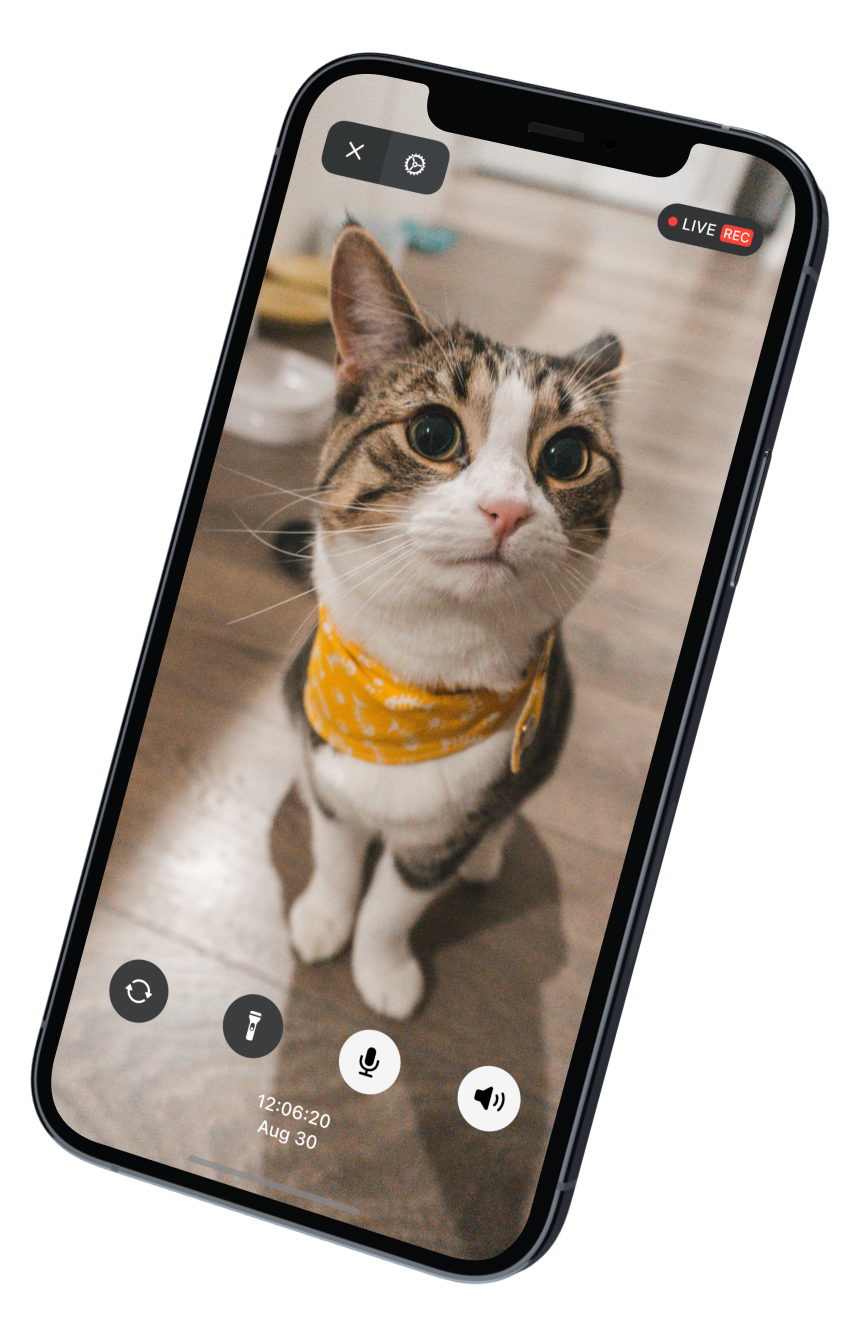
Download Phonitor on the spare iPhone, iPad, or Mac you'll use as the camera, and on the everyday device you'll watch from. One free app, both ends.
Phonitor uses the Apple Account already signed in on your devices, paired in the background through iCloud. No new sign-up. No new password.
Prop the camera device where you need eyes. Tap to view on your daily phone. The stream connects directly between the two — no servers in between.
Anywhere you'd want a camera but don't want to pay every month, Phonitor fits. Mount the spare device, open the app on your daily one, and you're watching.
Crystal-clear 2K video, two-way audio for soothing, and background streaming so you can keep an ear on the room while you make dinner on the same phone.
A wide-angle view of the living room. Talk through the speaker when she chews the rug.
Mount an old iPhone behind a window. Get a live feed any time, without a monthly subscription or a hub on the wall.
Quiet peace of mind for parents living alone — with talk-back when something looks off.
Keep an eye on the 3D printer, kiln, or fermenter without standing next to it.
No proprietary protocols. No accessory hubs. Phonitor leans on what your devices can already do — and adds what they can't yet.
Watch the live stream from any of your Apple devices, anywhere you have a connection.
Replay any moment from recordings stored on the camera device.
Trim and save the moments that matter — local or remote — and share them anywhere.
Hear what's happening, and talk back as if you were there.
Cleaner low-light video with anti-flicker tuning that stays calm under dim bulbs.
Multiple resolutions and frame rates to match the scene and your bandwidth.
Direct device-to-device connection keeps delay minimal, even at high quality.
Keep monitoring while you use other apps, or even with the screen locked.
Smart battery use and reduced heat keep the camera device stable for stretches at a time.
Most security cameras send your living room to a data center. Phonitor doesn't have a data center. Streams travel directly between your two devices.
Real-time monitoring, instant playback. Free, forever.
Everything in Free, plus unlimited real-time monitoring, and exclusive features like clip exports and background play.
Recordings live locally on the camera device — never on a Phonitor server, never in iCloud Photos, never anywhere we can read. Live streams travel peer-to-peer between your two devices and aren't recorded by us in transit.
No. Live streams travel directly between the camera device and the viewer device over an end-to-end encrypted P2P connection. We don't run a server that handles your video.
Anything that runs iOS 15 or newer — so iPhone 6s and up. Older iPads work too if they're on iPadOS 15+ (iPad Air 2 and iPad mini 4 and newer). The camera quality you get is the camera quality the device originally shipped with.
Yes — it's one of the most common use cases. Two-way audio lets you soothe from the kitchen, low latency means the cry reaches you immediately, and Pro's background play keeps the audio coming through while you use other apps.
Streaming is power-hungry by nature. Smart battery use and reduced heat help, but for permanent installs, just leave the device plugged in — that's what most people do.
Both. Phonitor sets up a direct channel either way. Wi-Fi is recommended for higher-resolution streams; cellular works fine at lower resolutions and uses your data plan accordingly.
Today, both the camera and viewer need to be signed into the same Apple Account, which works well within a single household. Multi-user and Family Sharing support is on the roadmap.
Phonitor is built tightly on Apple frameworks — iCloud for pairing, AVFoundation for capture, Network.framework for P2P. A cross-platform version would compromise both performance and the privacy model. So: Apple-only, on purpose.
Free to download. The phone is already in your drawer.